From Scan to Interview: The Complete Past the Bots Workflow
July 18, 2026 · 4 min read · Past the Bots
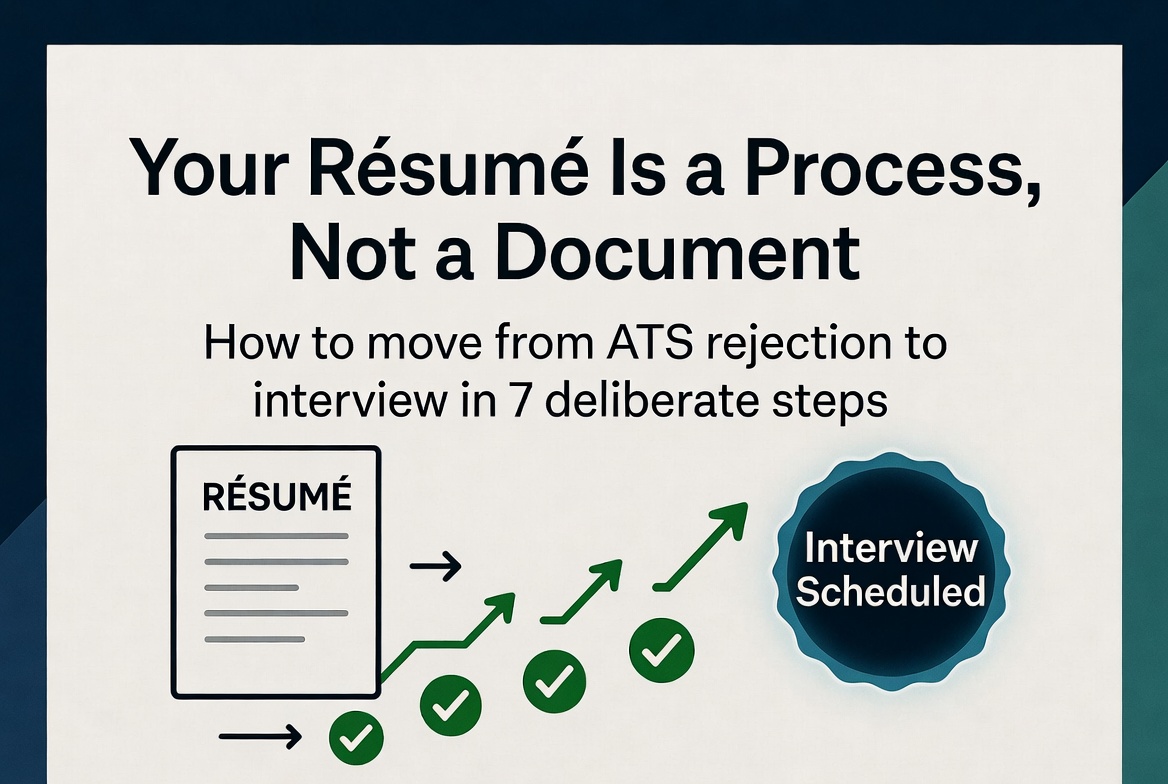 Most job seekers treat their résumé like a static document. They write it once, maybe tweak a few words, and blast it out to dozens of postings. Then they wonder why the phone never rings.
The truth is that landing interviews today is a process, not a one-time task. Here is exactly how to move through that process from start to finish.
Step 1: Run the ATS Scan First
Before you change a single word, you need to know what an Applicant Tracking System actually sees when it reads your résumé. Upload your current file and let the scanner pull out what it extracts: your name, contact details, job titles, dates, and skills.
Pay close attention to the critical flags. These are the items that cause a parser to misread or skip your information entirely. Common culprits include:
- Contact details buried in a header or text box (most parsers ignore those)
- Tables and columns that scramble the reading order
- Dates formatted inconsistently, which confuses tenure calculations
- Section headers that use creative labels instead of standard ones like "Work Experience" or "Education"
Fix the critical issues before anything else. A beautifully tailored résumé does you no good if the ATS is misreading your job titles.
Step 2: Match Your Skills to the Job Description
Once your résumé is structurally clean, paste in the job description you are targeting. The skill-match score will show you exactly which keywords from the posting appear in your résumé and which ones are missing.
Here is the part most people get wrong: not every missing keyword matters equally. Look for knockout gaps first. These are skills or qualifications that appear repeatedly in the posting, often in the requirements section, and that you have not mentioned at all. If you genuinely have that experience, you need to add it. If you do not, you may be applying to the wrong role.
For the keywords you do have but did not include, note them down. You will use them in the next step.
Step 3: Use the Live Editor to Make Changes
Now you have a clear picture of what needs to change. The live editor lets you update your résumé directly without jumping between tools. As you add the missing keywords and adjust your language, re-run the match to watch your score move.
A few things worth doing in this step:
- Mirror the job description's language. If they say "cross-functional collaboration" and you wrote "worked with other teams," update it. ATS systems match strings, not concepts.
- Quantify anything that currently lacks a number. "Managed a team" becomes "Managed a team of 6 across two time zones."
- Cut anything that is more than 15 years old unless it is directly relevant to this specific role.
Step 4: Let AI Tailor Your Bullets
This is where things get efficient. The AI tailoring tool rewrites your bullet points to align with the job description's priorities, without inventing anything you did not actually do. It surfaces the language and emphasis that matches what the hiring manager is looking for.
Review every suggestion. You know your own experience better than any tool does. Accept the rewrites that feel accurate, adjust the ones that are close but not quite right, and skip anything that does not reflect reality. Your credibility in the interview depends on owning every word on the page.
Step 5: Generate a Targeted Cover Letter
A generic cover letter adds almost no value. A specific one that connects your background directly to the role can genuinely tip a close decision.
Use the cover letter generator as a starting point, then personalize it. Add the name of the hiring manager if you have it, reference something specific about the company, and make sure the opening paragraph answers the question the reader is silently asking: "Why should I keep reading?"
Step 6: Export a Clean, ATS-Safe Version
When everything looks right, export your résumé as a .docx file using a single-column, ATS-safe template. Avoid the temptation to add design elements back in. Clean and readable beats clever every time when a bot is doing the first pass.
Keep a copy of the tailored version labeled with the company name and date. You will want to reference it later.
Step 7: Prepare for the Interview Using Your Own Résumé
Here is a step most people skip entirely. Before your interview, re-read the version you submitted. Every bullet point is now a potential question. If you wrote that you "reduced onboarding time by 40%," be ready to explain exactly how you did it.
Review the job description one more time alongside your résumé. Identify two or three accomplishments that map directly to what the role needs, and have a short story ready for each one.
The scan got you noticed. The preparation gets you hired.