Simple CV Tweaks That Actually Get You Past ATS Bots (And How to Make Them Fast)
July 9, 2026 · 4 min read · Past the Bots
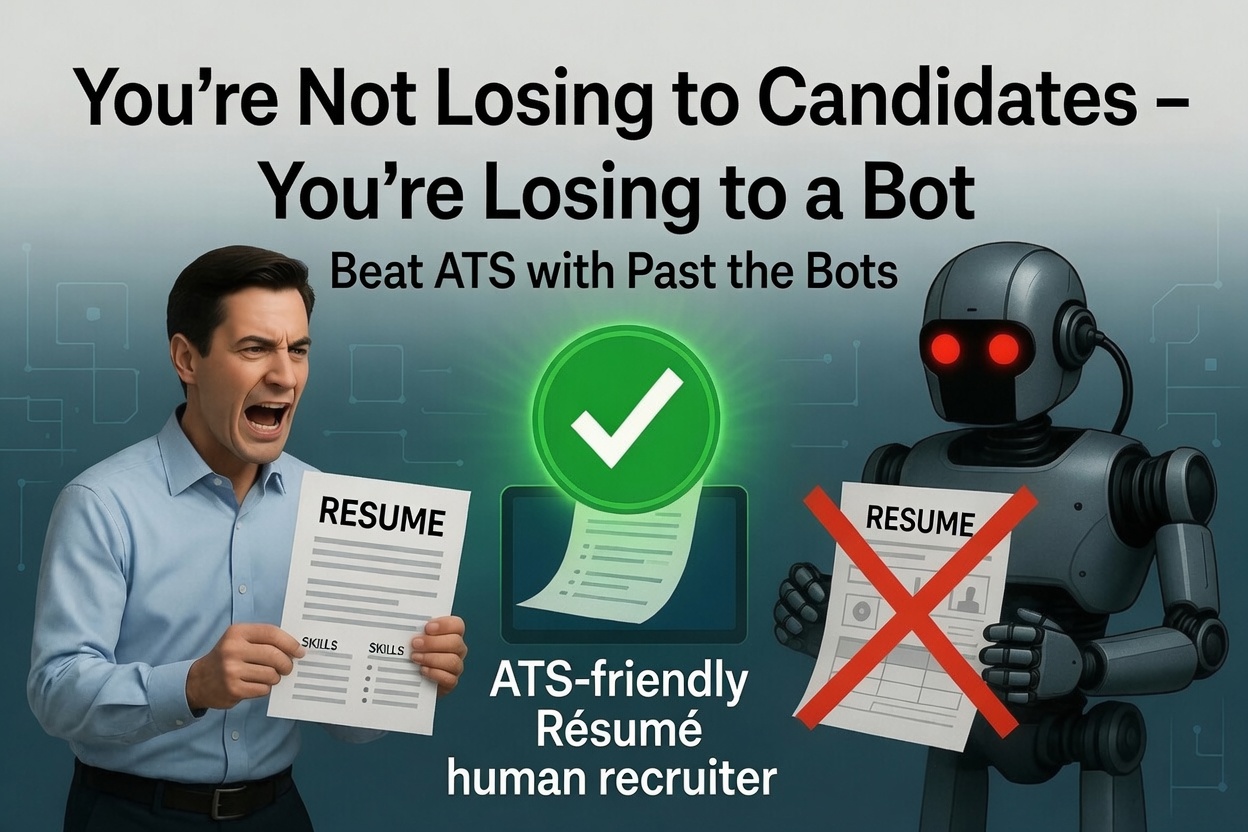 If you've been sending out applications and hearing nothing back, you're probably not losing to other candidates. You're losing to a bot.
Applicant Tracking Systems (ATS) screen résumés automatically before any human ever opens them. And the frustrating part? A perfectly qualified person can get filtered out just because of how their résumé is formatted or worded. The good news is that the fixes are mostly straightforward once you know what to look for.
Why ATS Bots Reject Good Résumés
ATS software isn't reading your résumé the way a person does. It's parsing text, looking for specific fields (name, contact info, job titles, dates), and scanning for keywords that match the job description. When it can't find what it's looking for, it either scores you low or skips you entirely.
Common reasons a strong résumé gets filtered out:
- Formatting that confuses parsers -- tables, columns, text boxes, headers, and footers often get scrambled or skipped entirely
- Missing keywords from the job description, even if you have the actual skill
- Inconsistent job titles or date formats that the parser can't map to a standard structure
- Skills buried in prose instead of a dedicated skills section the ATS can easily find
- Contact info in a header field that many parsers simply ignore
None of these are about your qualifications. They're about legibility to a machine.
The Tweaks That Actually Move the Needle
1. Go single-column
Multi-column layouts look polished in Word or PDF preview, but many ATS parsers read left-to-right across columns, which turns your résumé into word soup. A clean single-column format is the safest bet every time.
2. Mirror the job description's language
If the posting says "cross-functional collaboration" and your résumé says "worked with multiple teams," the ATS may not connect those as the same thing. Use the exact phrasing from the job description where it honestly applies to your experience. This isn't about gaming the system -- it's about making sure your real experience is visible.
3. Add a skills section
Don't rely on the ATS to extract skills from your bullet points. Put a dedicated Skills section near the top with the specific tools, technologies, and competencies you have. Keep it clean -- a simple list works better than a fancy visual rating bar.
4. Put contact info in the body of the document
Not in a Word header. The body. Many parsers skip header and footer fields entirely, which means your name and email may never make it into the system.
5. Use standard section labels
Labels like "Where I've Been" are creative but risky. Parsers look for "Work Experience," "Education," "Skills." Stick to the conventions.
How Past the Bots Handles This for You
Knowing what to fix is one thing. Actually finding every issue in your résumé and fixing it quickly is another.
The Audit the Bots tool shows you exactly how different parsers are reading your résumé right now -- what they're extracting, what they're missing, and where things are getting garbled. Instead of guessing whether your format is safe, you can see the problem directly.
The ATS scan flags specific issues as critical, warning, or OK -- things like missing contact fields, unreadable sections, or skills that aren't surfacing properly. It takes the guesswork out of prioritization.
For keyword matching, the skill-weighted match score compares your résumé against a pasted job description and shows you exactly which keywords are matched, which are missing, and whether there are any knockout gaps that would eliminate you automatically. You're not just getting a percentage -- you're getting a specific list to act on.
The AI tailoring feature then rewrites your bullet points to better reflect the job's language without inventing anything. It works with what you've actually done and surfaces it in a way the ATS can recognize.
And if your formatting is a problem, the ATS-safe single-column rebuild restructures everything into a clean, parser-friendly layout so you're not starting from scratch.
One More Thing Worth Knowing
Not every ATS is the same. Workday, Greenhouse, Lever, iCIMS -- they all parse differently. A résumé that scores well in one might get mangled in another. That's exactly why seeing how multiple parsers read your document (not just one) gives you a much more reliable picture of where you actually stand.
The goal isn't to trick any system. It's to make sure your real experience actually makes it through so a real person can decide whether to call you. That's it. Clear formatting, honest keyword alignment, and a structure any parser can read. Small changes, but they matter more than most people realize.