Three New Tools: Find the ATS, Autofill the Application, and Scan Any Job Post
July 14, 2026 · 4 min read · Rod Trent
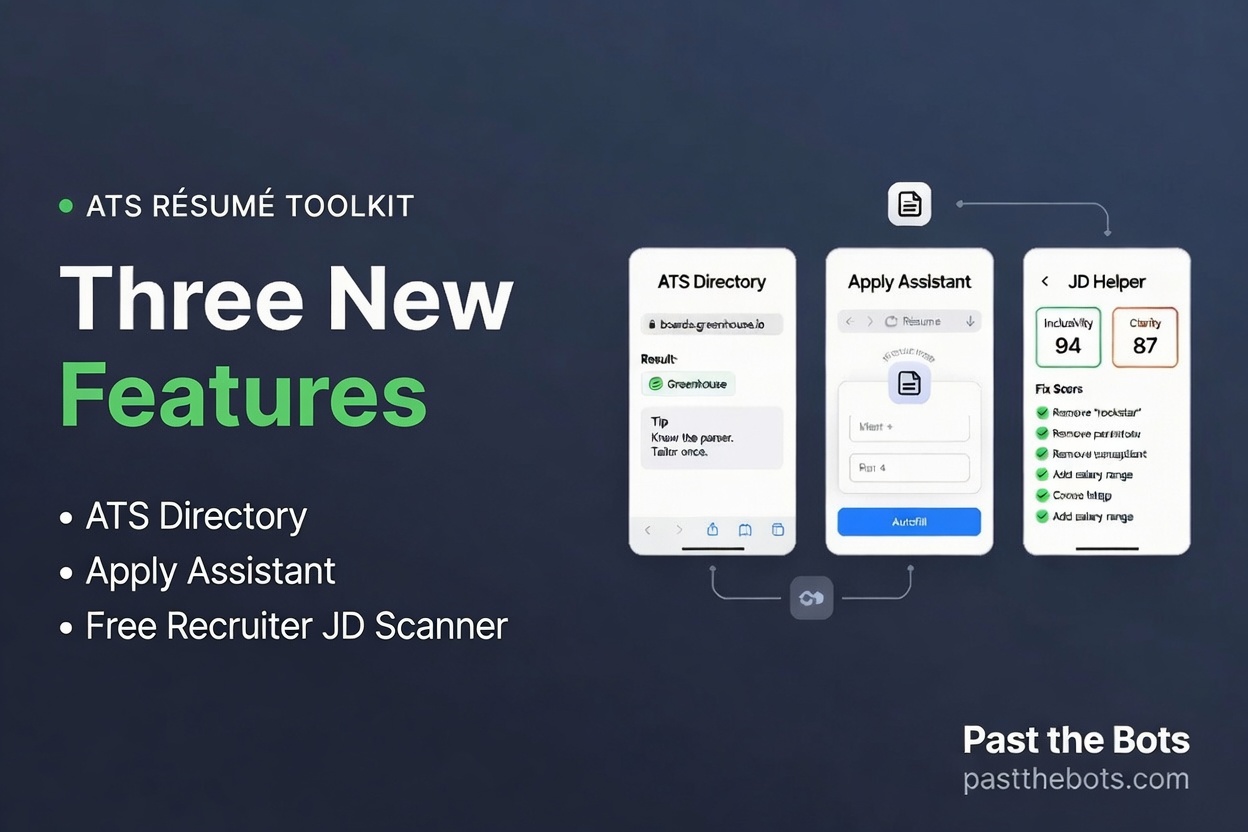 Every few months I write one of these roundups, and the rule never changes: if it does not save you real time or real rejection, it does not ship. This batch is three tools. Two are for job seekers, one is for the people on the other side of the table. Here is what is new and why each one earns its place.
Know which bot is reading you: the ATS Directory
The whole premise of Past the Bots is that a machine reads your résumé before any human does, and the machines do not all read alike. Which leads to the obvious question we never answered head-on: which machine is reading this application?
Now you can find out. The new ATS Directory at /ats-directory does two things.
First, paste any job or careers link and it names the applicant tracking system behind it, instantly. This is not a guess. The apply URL almost always gives it away: a boards.greenhouse.io address is Greenhouse, a myworkdayjobs.com subdomain is Workday, jobs.lever.co is Lever, and so on. We read the address and tell you what you are dealing with, plus how that particular parser tends to read a résumé and the one thing to do about it.
Second, you can browse a directory of companies and the ATS each one uses, filter by platform, and read a plain-language guide to how every major system (Workday, Greenhouse, Lever, Taleo, iCIMS, Ashby, and more) parses a file. Know a company's ATS that we are missing? There is a form to tell us, and we review every submission.
It is free, no account needed. And once you know the platform, you can jump straight into the ATS simulator to see how your own résumé holds up against it.
Stop retyping the same thirty fields: Apply Assistant
Here is the part of applying that nobody defends. You tailor a strong résumé, you find a strong role, and then you spend fifteen minutes typing your name, email, phone, links, work authorization, and salary expectations into yet another form. Every application asks for the same things. You answer them over and over.
Apply Assistant at /apply-assistant fixes that. You build one application profile: contact details, links, work authorization, sponsorship needs, relocation, years of experience, desired salary, and the rest of the questions every application recycles. Upload your résumé and it fills in the contact fields for you automatically. You complete the rest once, and it saves to your account.
Then the Past the Bots browser extension does the tedious part. Open an application, hit Autofill, and it maps your saved profile onto the form: the text fields, the dropdowns, even the yes or no questions about sponsorship and relocation. You review everything and submit it yourself. We never send an application on your behalf, and the profile lives in your browser and your account, nowhere else.
If you already use the extension to scan jobs, update it and the autofill is right there next to the scan.
For recruiters: a free job description scanner
This one is for the other side of the hire. Our recruiter tools already included an AI rewrite of a job posting and an interview kit, but they sat behind a Team plan. So we added a layer underneath that anyone can use, free and instant.
Paste a job description at /recruiter/jd-helper and hit Scan. You get two scores, Inclusivity and Clarity, and a specific list of what to fix: gender-coded words like "aggressive" and "rockstar", age-coded language like "young" and "digital native" and "recent grad", exclusionary phrasing like "native English speaker" and "culture fit", inflated experience bars like "12+ years" when fewer would do, a missing salary range, and copy that reads too dense. Every flag comes with a concrete suggestion.
It runs in your browser, instantly, with no account. If you want the full AI rewrite and the structured interview kit on top, those are still there on the Team plan. But the scan that tells you whether your posting is quietly driving away strong, diverse applicants is free now, for everyone.
The same line, every time
None of this changes the rule the whole product runs on: tell you the truth, in plain language, and never fake it. The directory's URL detector is a fact, not a guess. Apply Assistant fills in your real answers and never invents one. The job description scanner flags real, research-backed patterns and hands the wording back to you.
So go try them. Look up your next application's ATS at /ats-directory, build your profile at /apply-assistant, and if you are hiring, run your own job post through /recruiter/jd-helper before you publish it. Then send this to someone who is tired of typing their phone number into forms.
Past the Bots is the ATS résumé toolkit at pastthebots.com. The audit and the ATS directory are always free, no signup.