Why Your Resume Isn't Getting Callbacks (And What to Actually Fix)
June 21, 2026 · 4 min read · Past the Bots
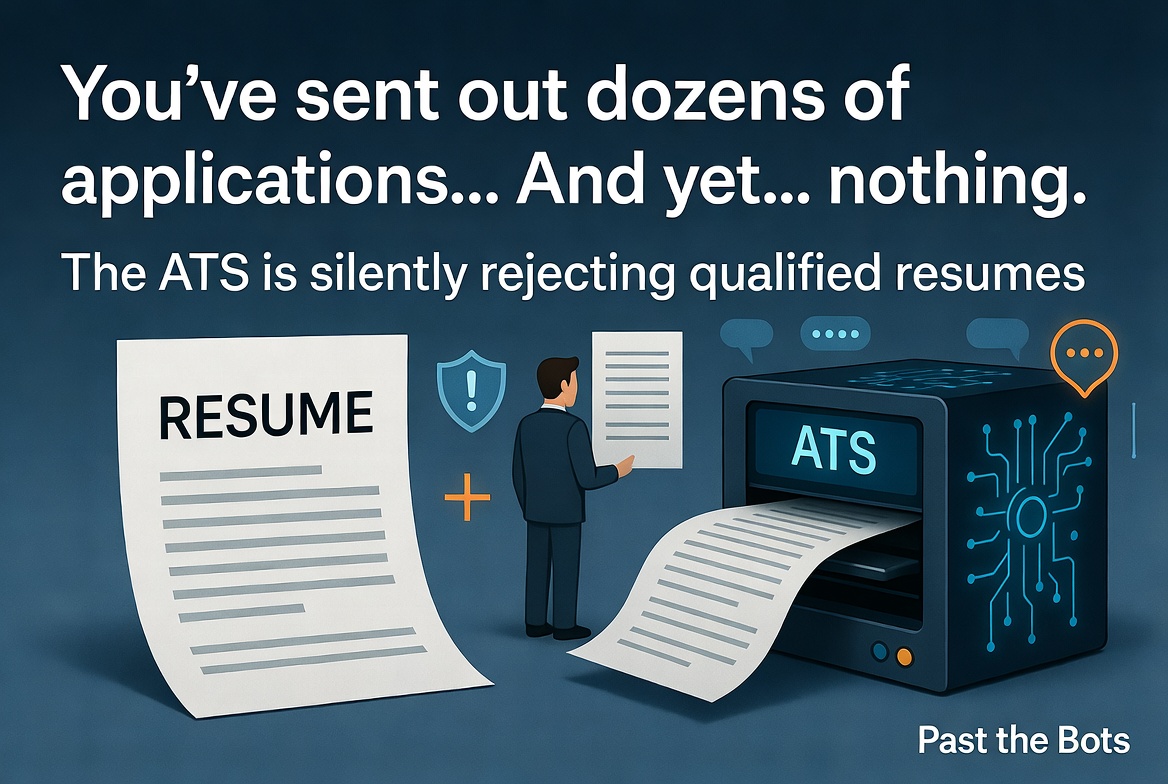 You've sent out dozens of applications. You're qualified. Your resume looks clean. And yet... nothing. No callbacks, no screening calls, just silence.
You're not alone. Most job seekers don't realize that their resume never even reaches a human recruiter. It gets stopped by an Applicant Tracking System (ATS) first, and if the software can't read it properly, you're out before anyone sees your name.
Here's what's likely going wrong and how to fix it.
The ATS Is Not Reading Your Resume the Way You Think
ATS software parses your resume into structured data: your name, contact info, job titles, dates, skills, and education. But here's the catch: it doesn't "see" your resume the way a person does. It's scanning for patterns and text it can extract cleanly.
Formatting choices that look great in Word or PDF can completely break that extraction. Common culprits include:
- Text boxes and columns: Content inside these often gets skipped entirely
- Tables: Skills listed in a two-column table may be read as one jumbled string or ignored
- Headers and footers: Contact info placed here frequently disappears from the parsed output
- Graphics, icons, and logos: These are invisible to the parser
- Fancy fonts or colored text sections: Can cause the parser to misread or drop sections
The ATS doesn't care that your resume looks polished. It cares whether it can extract your data cleanly.
Your Keywords Probably Don't Match the Job Description
Even if your resume parses perfectly, it still needs to score well against the specific job posting. ATS platforms rank candidates by how closely their resume matches the job description's language, especially for skills and job titles.
This is where a lot of qualified people get screened out. You might have the right experience but describe it differently than the employer does. If the job posting says "project management" and your resume says "led cross-functional initiatives," many ATS systems won't connect those two phrases.
The fix isn't to stuff your resume with keywords. It's to be intentional about mirroring the language of each job description while keeping your resume honest and readable.
What a Match Score Actually Tells You
One practical way to check your keyword alignment is to run your resume against a specific job description and see a scored breakdown. Past the Bots does exactly this: paste in a job description and you get a skill-weighted match score showing which keywords you hit, which you're missing, and whether any of the missing ones are likely knockout criteria.
Knockout gaps are the ones that matter most. If a job requires a specific certification or tool and it doesn't appear anywhere on your resume, you may be auto-rejected regardless of everything else. Knowing that before you apply gives you a chance to either address it directly in a cover letter or decide whether to apply at all.
Your Resume Might Be Parsing Worse Than You Realize
Most people have never actually seen what an ATS extracts from their resume. They assume it's reading everything correctly. Often it isn't.
The Audit the Bots tool in Past the Bots shows you exactly what different parsers pull from your file: what they see as your name, your contact info, your skills, your section headers. It flags critical errors (like missing contact information in the parsed output), warnings (like inconsistent date formats), and sections that look fine.
Seeing your resume through the parser's eyes is genuinely eye-opening. A resume that looks perfect visually can have a parsed output that's a mess.
Fixing It Without Starting From Scratch
If your formatting is the problem, the answer is a clean, single-column layout with standard section headers and no design elements that could confuse a parser. Past the Bots can rebuild your resume into an ATS-safe format automatically, which is useful if you'd rather not wrestle with formatting yourself.
If your keywords are the problem, the AI tailoring feature rewrites your bullets to better match a specific job description without fabricating anything. It works with what you actually did, just expressed in language that aligns with the role.
A Quick Checklist Before Your Next Application
- Run your resume through a parser check to see what actually gets extracted
- Compare your resume to the job description and look for skill gaps
- Fix critical formatting issues before anything else
- Tailor your language to each posting, especially for key skills and tools
- Keep your contact info in the main body of the document, not in a header or footer
The job market is competitive enough without your resume getting filtered out for fixable technical reasons. A few targeted changes can make a real difference in whether your application makes it to a human set of eyes.