Your LinkedIn Profile Is a Résumé Hiding in Plain Sight
June 11, 2026 · 4 min read · Rod Trent
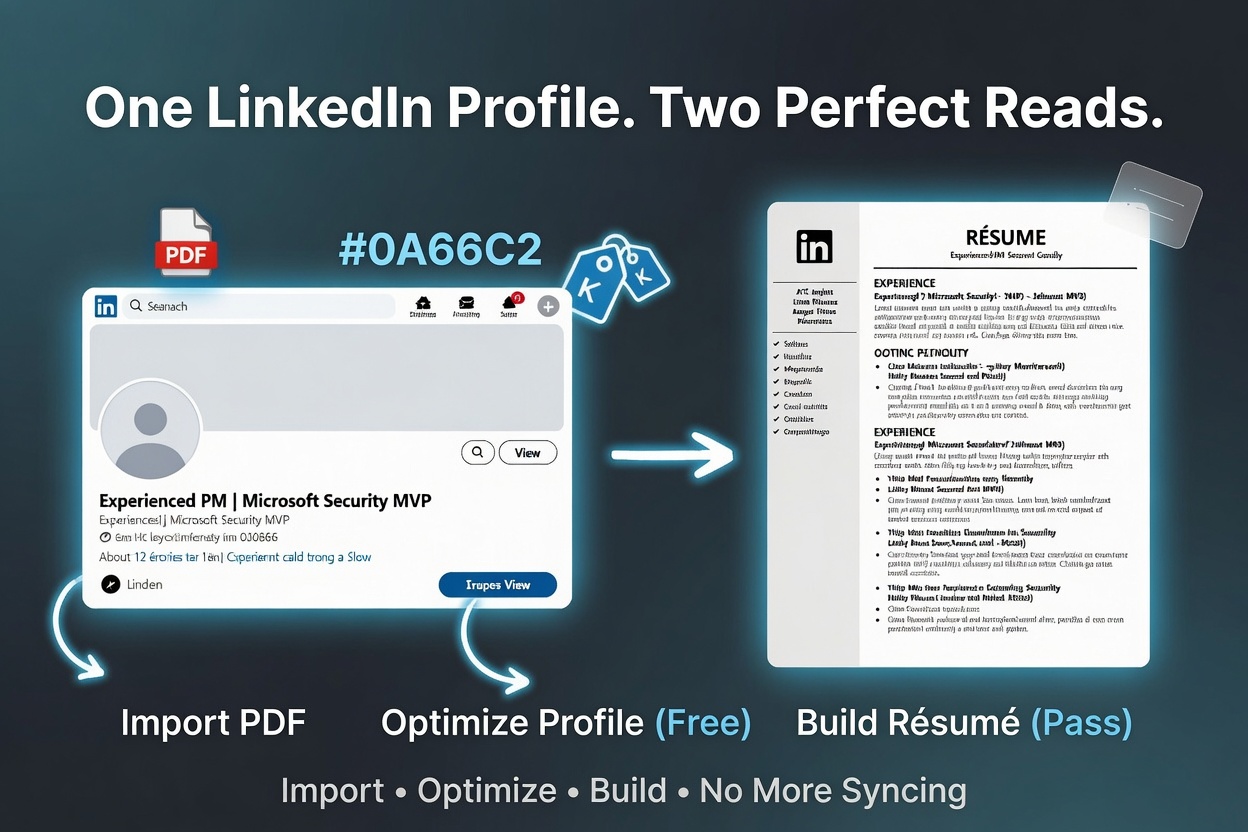 I spent an embarrassing amount of time, years ago, keeping two documents in sync: my LinkedIn profile and my résumé. Same jobs. Same dates. The same accomplishments, worded a little differently in each place because I'd update one and forget the other. It was busywork, and I was bad at it.
Here's what I missed back then: your LinkedIn profile is already a structured record of your career. You wrote it. It's right there. Turning it into a sharp résumé — or a sharper profile — shouldn't mean retyping a word of it.
So we built a small set of LinkedIn tools into Past the Bots that all start from the same place: the profile you already have. Three pieces, and they're much better together than apart. Here's how they fit.
First, import — don't retype
The fastest way to be wrong about your own résumé is to rebuild it from memory at 11pm. So the starting move isn't typing — it's importing.
On any LinkedIn profile there's a quiet little button: More → Save to PDF. That gives you a complete, one-click export of your headline, About, experience, education, and skills. Upload that file on the LinkedIn page (/linkedin) and we pull the text straight out of it to fill the box for you. No copy-paste marathon, no retyping dates.
You might wonder why we don't just take a profile link. We tried — LinkedIn blocks automated fetches of profile URLs (every serious tool hits the same wall), and scraping it would put your data somewhere it shouldn't be. The "Save to PDF" export is your data, exported by you, with one click. It's the reliable, above-board way in. (PDF, DOCX, or TXT all work.)
That one import then feeds both of the next two tools.
Optimize the profile (free)
Recruiters search LinkedIn by keywords, much the way an ATS reads your résumé. If the right terms aren't on your profile, you don't surface — same invisible-filter problem, different room.
The LinkedIn optimizer takes your imported profile plus a target role and gives you back a sharper headline, a stronger About section, and the specific keywords worth surfacing for that role. It's free to run. And it holds the same line everything here holds: it re-expresses your real experience in the target role's language — it never invents a skill, a title, or a number you don't have.
Build a résumé from it (Pass)
Here's the new piece, and the one I'm most pleased with. The same imported profile can become a complete, ATS-safe résumé — not a LinkedIn screenshot, an actual single-column résumé in the structure parsers expect.
A target role is optional. Add one and the résumé is truthfully tailored to it (with an honest list of any gaps your profile doesn't actually support). Leave it blank and you get a clean, general-purpose résumé. Either way you can download it as a .docx or open it in the live editor to keep tweaking with a real-time job-match score. It's part of the premium toolkit — the Job-Hunt Pass or Career Care.
Two readers, one truthful story
Step back and the whole point comes into focus. You have two very different readers:
- A recruiter searching LinkedIn, who finds you by keywords and skims your headline and About.
- An ATS parsing your résumé, which extracts fields, scores you against a role, and quietly drops anything it can't read.
Same career. Same facts. Two readers who need it shaped differently. The optimizer shapes your profile so the recruiter finds you; the builder shapes a résumé so the bot passes you through. And because both start from the one profile you imported, you're not maintaining two stories anymore — you're reshaping one truthful story for whoever's reading.
The non-negotiable, as always: we never invent experience. Tailoring means saying what you've genuinely done in the language the role uses — not bolting on things you haven't done and then having to defend them in an interview.
How I'd actually use it
If you're starting from scratch, here's the path I'd take, end to end:
- Import your LinkedIn "Save to PDF" on
/linkedin. Thirty seconds, no typing. - Optimize the profile for the kind of role you want — so recruiters can find you while you do the rest.
- Build a résumé from the same profile. Download the .docx, or send it to the editor.
- Scan it at
/scanto see exactly what an ATS extracts, and tailor it to a specific posting.
Four steps, one source of truth, and not a single line retyped from memory.
Your LinkedIn profile has been sitting there the whole time, doing one job. Now it can do two — and you don't have to keep them in sync by hand ever again.
Start free, no signup for the import or the optimizer, at pastthebots.com/linkedin.