How to Run a Free ATS Audit Before You Apply
September 18, 2026 · 4 min read · Past the Bots
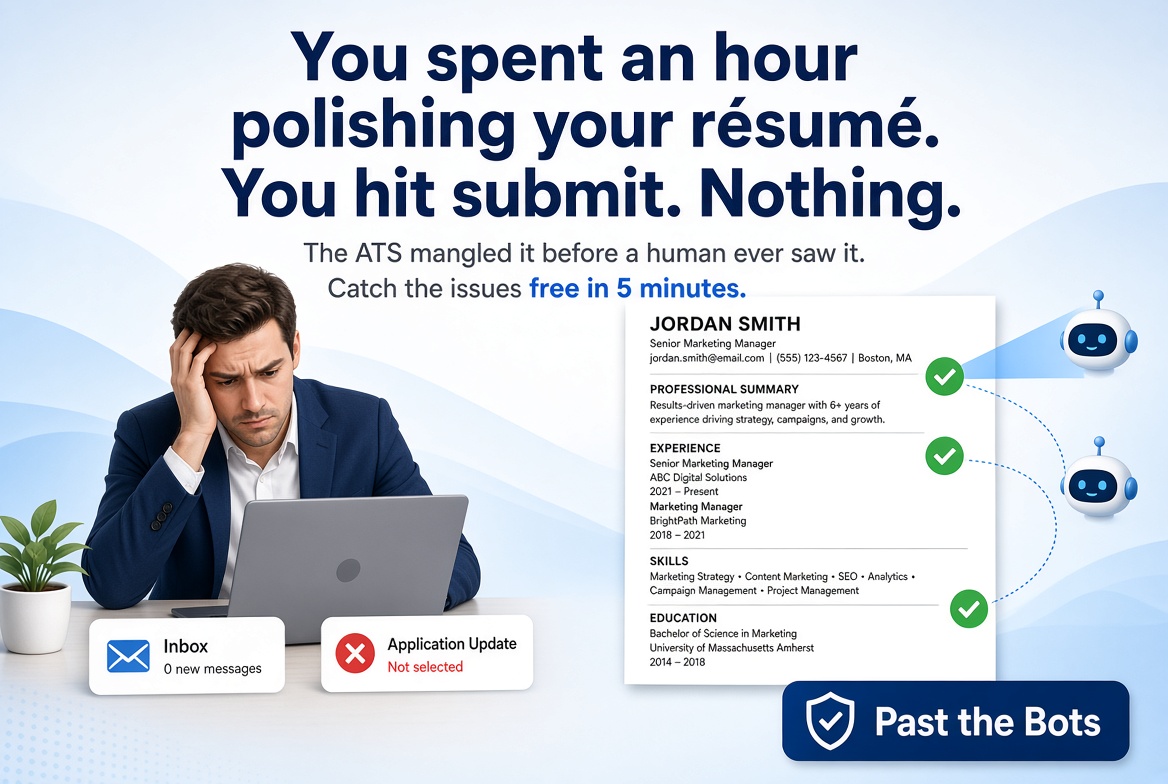 You spent an hour polishing your résumé. You hit submit. Nothing. Sound familiar?
The problem is often not your experience. It's that an Applicant Tracking System (ATS) mangled your résumé before a human ever saw it. The good news: you can catch those issues before you apply, for free, in about five minutes.
Here's exactly how to do it.
Step 1: Upload Your Current Résumé
Head to Past the Bots and drop in your existing résumé file. PDF and .docx both work. Don't clean it up first. You want the audit to reflect what you're actually sending to employers right now.
The tool runs your file through multiple parser engines, the same kind of software that powers real ATS platforms. That's important because different companies use different systems, and what one parser reads cleanly another might scramble.
Step 2: Read the Parser Results
Once the scan finishes, you'll see exactly what each parser extracted: your name, contact details, job titles, dates, and skills. This is the "Audit the Bots" view, and it's often where the first surprises show up.
Common things people discover here:
- Their phone number wasn't extracted at all because it was inside a text box or the header
- Their most recent job title got cut off or merged with the company name
- Skills listed in a sidebar or two-column layout were completely missed
- Dates were read in the wrong order, making their career history look backwards
If a parser can't find your contact info, a recruiter can't reach you even if the system scores your résumé highly. That's a silent killer.
Step 3: Review the Critical, Warning, and OK Flags
The audit sorts issues into three buckets:
- Critical: Things that will likely get you filtered out or make your résumé unreadable. Fix these immediately.
- Warning: Issues that won't necessarily disqualify you but hurt your chances.
- OK: Sections the system read correctly.
A real before-and-after example:
A marketing manager uploaded a résumé with a two-column layout. The skills column on the left was completely ignored by two of the three parsers. Her skills section showed up blank.
After switching to a single-column format and moving skills into the body of the résumé, all three parsers picked up every skill she listed. Same résumé, same experience, completely different result.
Another example: a software engineer had his LinkedIn URL in the header alongside his name. One parser read his name as "John Smith linkedin.com/in/johnsmith" which is exactly how it would appear in the recruiter's system.
Fix: move the URL to its own clearly labeled line. Simple change, clean result.
Step 4: Run a Keyword Match Against the Job Description
Once your formatting issues are sorted, paste in the job description you're targeting. The scan will show you a skill-weighted match score along with which keywords you matched, which ones are missing, and whether there are any knockout gaps.
Knockout gaps are requirements the employer listed as non-negotiable, things like a specific certification, degree, or tool, that don't appear anywhere in your résumé. Knowing about them before you apply lets you either add them if you genuinely have the experience, or make a realistic call about whether to apply at all.
A quick tip on keywords: Don't just look at the missing list and start stuffing words in. Read how the job description phrases things. If the posting says "project management" but you wrote "managed projects," that's often enough of a mismatch to cost you points. Mirror the language where it's accurate.
Step 5: Make Your Fixes
With your audit results in hand, you have a clear priority list:
- Resolve any critical formatting issues first (headers, text boxes, columns)
- Add or rephrase skills to close keyword gaps
- Make sure every piece of contact information is in the main body of the document, not floating in a designed element
If your résumé needs a full structural overhaul, an ATS-safe single-column rebuild removes the guesswork entirely. But even small targeted fixes based on your audit results can meaningfully improve how systems read your file.
One More Thing Before You Hit Submit
Run the audit again after you make changes. It takes less than a minute and confirms your fixes actually worked. You'd be surprised how often one change introduces a new issue elsewhere.
The goal isn't a perfect score for its own sake. It's making sure the system accurately represents you so a real person gets to make the call. That's all you're asking for.
Now go get that interview.